
HOW TO PLAY / FIELD NOTES
CHALK HOP: tilt, land and use a powered ascent
Automatic jumping leaves you free to plan the next landing. Small tilt corrections can be more useful than chasing every item.
- Devices
- Desktop · Tablet · Phone
- Players
- Single player
- Language & sound
- English / 中文 · Starts muted
Is this your kind of game?
For a portrait-friendly endless jumper with motion controls and touch fallback.
Controls at a glance
Desktop uses Left/Right or A/D; Space or a click outside controls shoots upward. On touch, enable and calibrate motion when prompted, then tilt. Touch arrows are available if sensors are unavailable. Tap a non-control area to shoot.
Calibrate before a serious run
Hold the device in a comfortable neutral position when calibrating. Tilt relative to that position rather than rotating the whole device farther after every correction. If motion access is denied or unavailable, use the touch fallback instead of fighting an unresponsive sensor.
Plan the next landing while moving upward. The horizontal edges wrap, so a platform near the opposite edge may be reachable across the boundary. Keep enough time to line up before the downward part of the jump.
Shoot and choose your risks
Shooting upward can clear a monster above you. On touch, tap away from the controls so you do not interrupt movement. A shield is a limited buffer and does not make a black hole safe.
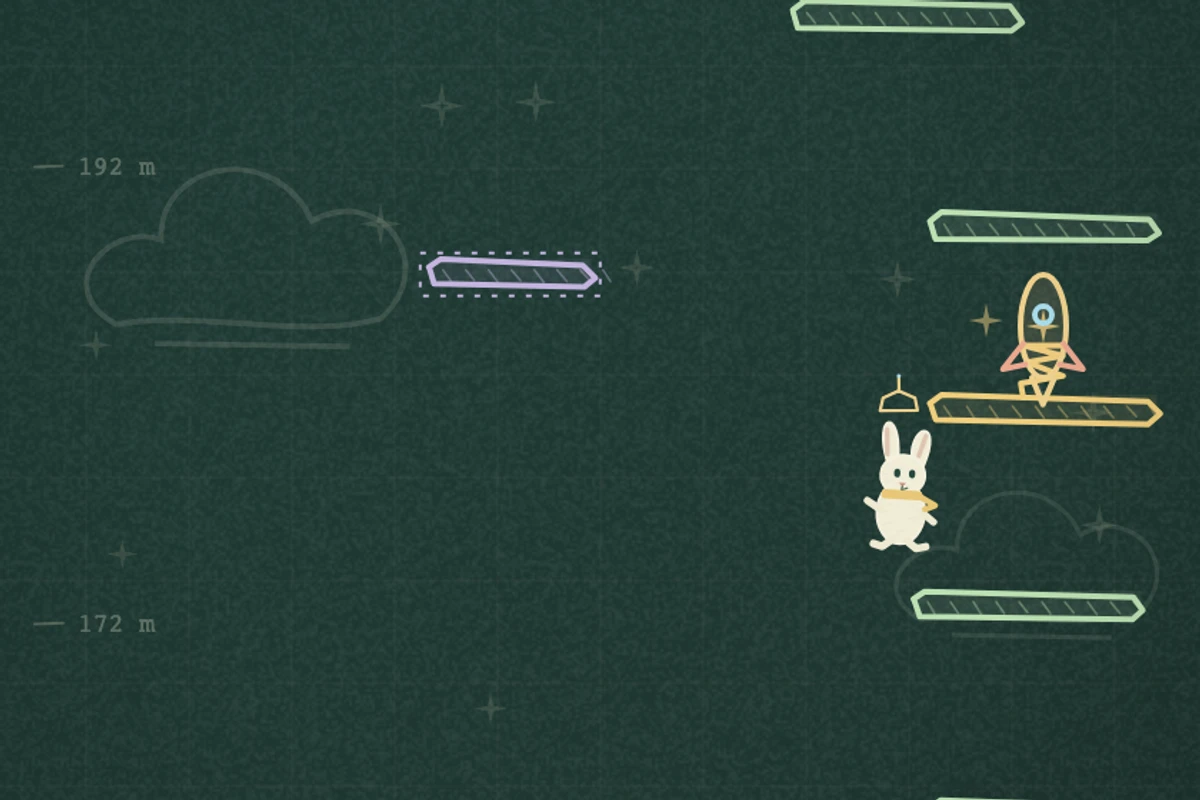
Rocket and propeller ascent ignore hazards during the powered flight, but you do not collect additional pickups in that period. Look ahead for the landing that will matter after the flight ends instead of steering toward another item you cannot take yet.
Keep the next jump simple
- Make an early small correction instead of a late large tilt.
- Avoid crossing the whole screen for an optional pickup when a safe landing is already available.
- Use the highest local height as a target, and recalibrate if your neutral holding position changes.
Progress & backups
The highest height is stored locally. Sound starts off again after each visit; enabling it is separate from granting motion permission.
Language follows this portal. To change it, choose EN / 中文 here and open the game again. Each visit starts with sound off; enable it in the game if you want audio.
Ready for a run?
You might also explore: DOWN 100 FLOORS · All guides
Found an outdated instruction or a control issue? Send the game name, device and steps to reproduce it to brucexiamh@gmail.com.