
HOW TO PLAY / FIELD NOTES
TANKCRAFT: protect the base before chasing the last tank
A successful defence is about routes and priorities. Clearing enemies is useful only if the base survives.
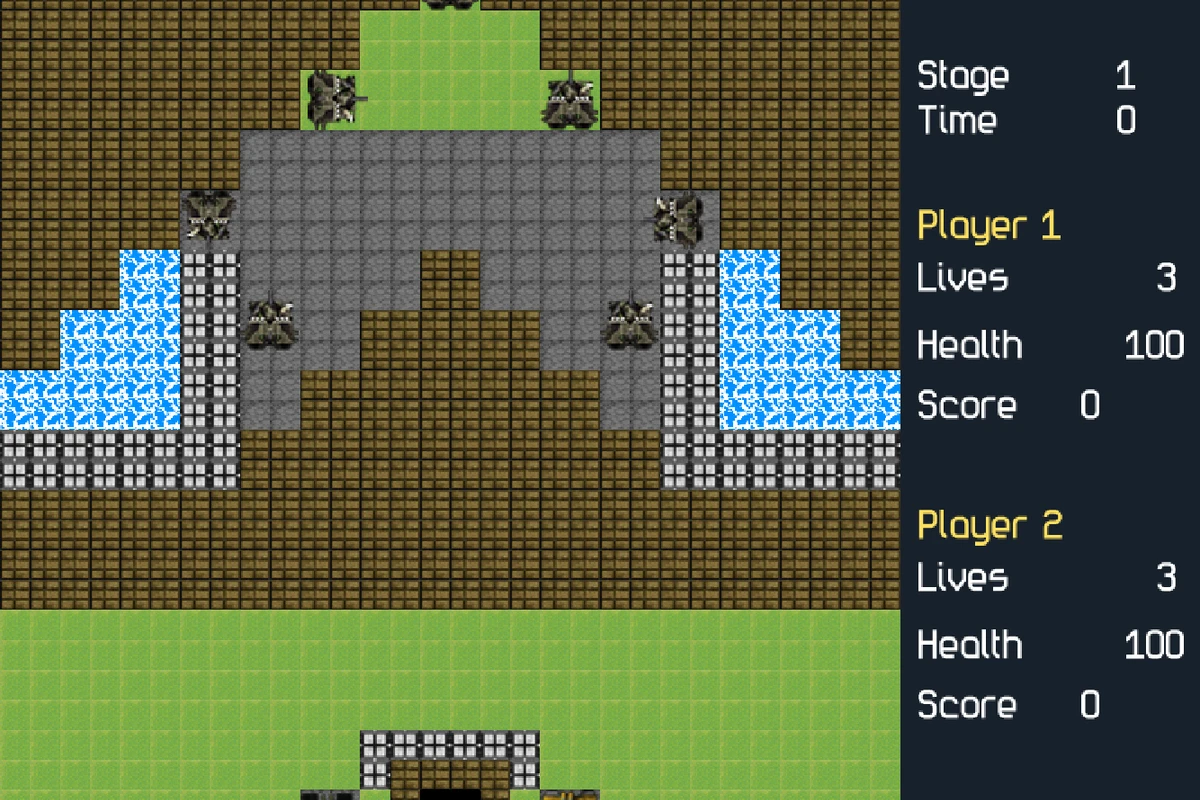
- Devices
- Desktop · Tablet · Phone
- Players
- Up to 2 on one device (solo on touch)
- Language & sound
- English / 中文 · Starts muted
Is this your kind of game?
For solo base defence on touch or local co-op on desktop.
Controls at a glance
Desktop uses keyboard/mouse controls described in the game. Touchscreens have a right four-direction joystick and a left fire button that can be held. Touch play has one friendly tank; local co-op is a desktop option.
Keep a route back to the base
Before chasing an enemy, look at the other approaches to your base. Staying near the most obvious target can leave another route unprotected. Reposition early enough that you can aim down the dangerous lane before an enemy reaches it.
Take power-ups when the area is safe, but do not abandon the defence just because one appears. A useful upgrade cannot recover a base that has already been lost. Learn the lanes of the current stage and the places where you can respond to more than one approach.
Aim with the tank, not only with the fire button
On touch, the joystick selects cardinal directions. Settle the facing toward the lane you want to cover, then fire; hurried diagonal thumb motions can choose a direction other than the one you intended.
In desktop co-op, divide responsibilities rather than following each other everywhere. One player can keep an approach covered while the other collects a nearby power-up or deals with a remaining threat. Communicate before both leave the base.
What this version includes
- Campaign play and power-ups; the removed map editor is not part of the game.
- Solo touch controls on phones and tablets, with no second friendly tank.
- Local desktop co-op rather than online matchmaking.
Progress & backups
Stages are played locally, without a cloud account. Use the current game menu for campaign and restart options rather than expecting a shared online save.
Language follows this portal. To change it, choose EN / 中文 here and open the game again. Each visit starts with sound off; enable it in the game if you want audio.
Ready for a run?
You might also explore: STICK ARENA · All guides
Found an outdated instruction or a control issue? Send the game name, device and steps to reproduce it to brucexiamh@gmail.com.