
HOW TO PLAY / FIELD NOTES
STONECROWN CHESS: a first game on the sculpted board
Learn the controls, choose an AI level and keep your attention on the position beneath the capture effects.
- Devices
- Desktop · Tablet · Phone
- Players
- Single player
- Language & sound
- English / 中文 · Starts muted
Is this your kind of game?
For solo chess players who want a tactile board and animated captures, with standard chess rules.
Controls at a glance
Select your piece, then a legal destination square. Desktop drag is optional; taps are enough on a phone. Use the view control for a clearer board angle. Space skips an animation on desktop; P/Esc pauses.
Choose a level that leaves room to learn
Choose a side and an AI difficulty before starting. Begin below your usual comfort level while you learn the board controls, then increase the difficulty when you can finish games without relying on unfamiliar-interface mistakes.
This is a single-player game against a local chess engine. There is no online matchmaking or shared-device human opponent. Each AI turn is calculated in your browser, so give it time to respond rather than repeatedly selecting moves.
A useful routine before every move
First ask whether your king is in check. Then look for checks, captures and immediate threats for both sides. Only after those checks should you decide which piece you want to improve.
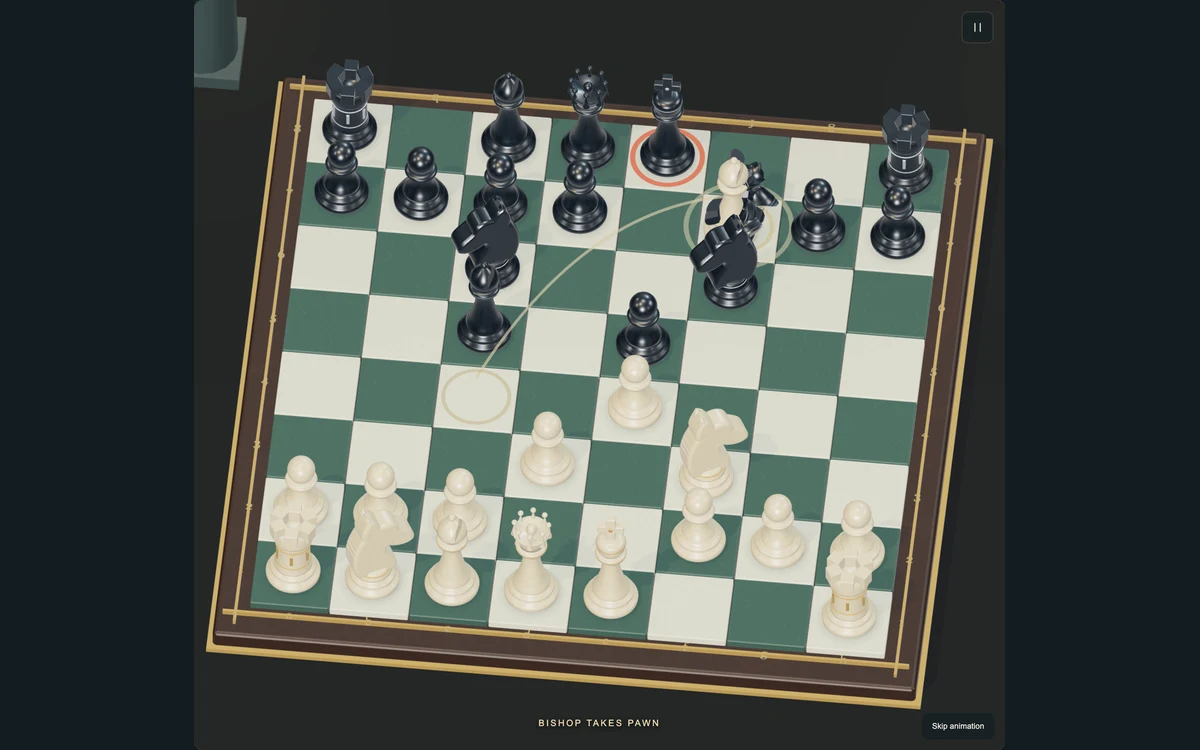
For an opening, develop pieces, contest the centre and think about king safety. Moving the same piece repeatedly to chase a tempting capture can leave the rest of your army undeveloped. The strongest-looking animation does not make a trade favourable: inspect what can recapture on the destination square.
Rules that can surprise new players
Castling requires the appropriate unmoved pieces and a safe path for the king. En passant is a special pawn response with a short opportunity. A pawn reaching the far rank offers a promotion choice; do not assume that a queen is forced in every position.
The king is checkmated, not shattered by a capture. A stalemate is a draw even when one side has far more pieces. Repetition and move-count draw rules also matter in long games; use the available draw claim when its conditions are met.
Make the presentation work for you
If the sculpted view makes a square hard to judge, raise or adjust the board view and use the legal-move hints. On a small screen, tap-to-move avoids having a finger cover the destination.
Use a full-turn undo to examine a mistake and the AI response together. After a surprising loss, replay the decision you misunderstood rather than immediately raising the difficulty. Captures are saved before their animations, so the visual sequence is not a separate chance-based battle.
Progress & backups
The current position, move history and results by difficulty are saved in this browser. Reopen it on the same device to continue. There is no account or cloud synchronization to restore data after browser storage is cleared.
Language follows this portal. To change it, choose EN / 中文 here and open the game again. Each visit starts with sound off; enable it in the game if you want audio.
Ready for a run?
You might also explore: MICROSEA · All guides
Found an outdated instruction or a control issue? Send the game name, device and steps to reproduce it to brucexiamh@gmail.com.